
How to Schedule AI-Generated WordPress Posts Safely
Set up a dependable editorial queue for AI-assisted WordPress content with draft reviews, scheduling rules, quality checks, and clear ownership.
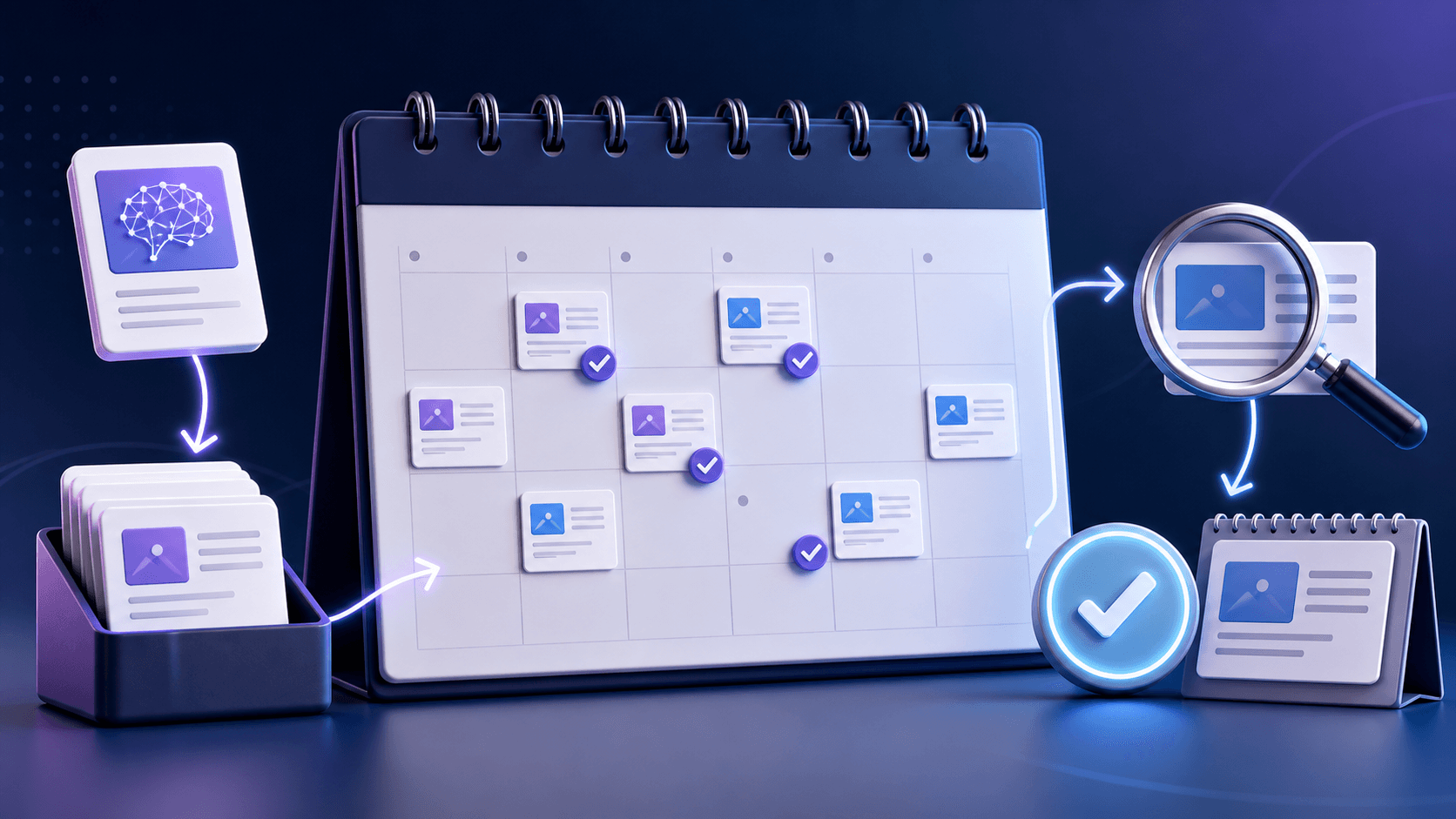
Scheduling is not a substitute for editorial process. A dependable queue makes it easier to spot duplicate topics, space out related pages, and ensure every article reaches a reviewer before it is released.
Step-by-step guide
1. Create statuses that match real decisions
Use Briefed, Drafted, Needs Review, Approved, Scheduled, Published, and Needs Update. A status should tell the next owner exactly what to do, not merely describe where a file happened to stop.
2. Assign an owner before generating
Each article needs an accountable editor. Automation can create work, but it cannot own accuracy, product positioning, or the final reader experience.
3. Set a draft-first default
Configure every integration to create a WordPress draft. Do not let an AI output skip the editorial queue because a tool offers an immediate publish action.
4. Schedule by topical relationship
Space closely related pages so each can be internally linked and evaluated. In the WordPress Publish panel, confirm the site time zone, set the future date and time, then schedule the approved draft. Publish a pillar guide first, then supporting tutorials that answer narrower implementation questions.
5. Add a post-publication check
After publishing, confirm the canonical URL, title, description, image, schema, and internal links are present. Revisit the page after Search Console collects enough impressions to show the actual query mix.
A useful scheduling cadence
Choose a pace your reviewers can sustain. One well-edited guide each week is usually more valuable than a daily queue of pages nobody has time to validate. Increase volume only when quality checks continue to pass.
Prevent keyword cannibalization
Keep a column for the primary query and search intent. If a planned topic overlaps an existing article, improve the existing page or give the new article a clearly different job, such as API implementation rather than general workflow advice.
Use the calendar to create internal-link paths
Publish the workflow hub, then the REST API, scheduling, and security guides. Link each supporting article back to the hub and to the next logical task. Test any third-party draft-routing automation on staging before connecting it to the live editorial queue. This helps readers and clarifies topical relationships for crawlers.
Related Clustova resources
For a product-led implementation, start with the WordPress integration guide, then review our AI blog automation overview and the MCP server documentation. These guides are designed to work as a cluster: choose a workflow, protect the connection, schedule reviewed drafts, and measure the result.
- How to Automate WordPress Posts with AI: 3 Complete Workflows
- How to Auto-Publish AI Articles to WordPress Using the REST API
- WordPress AI Content Workflow: From Keyword to Published Article
- How to Secure WordPress When Using AI Automation
- Ways to Automate WordPress: A Practical Automation Checklist
Frequently asked questions
Should AI articles be published automatically?
For most teams, no. Start with drafts and a defined editorial approval step. Automatic publication is appropriate only after a narrowly scoped workflow has been tested and the content still has an accountable reviewer.
How often should I schedule new blog posts?
Publish at the pace your team can research, review, and improve. Consistency matters more than a fixed number; use performance data and editorial capacity to decide the cadence.